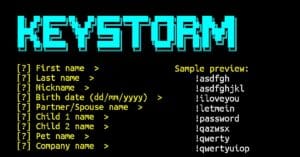
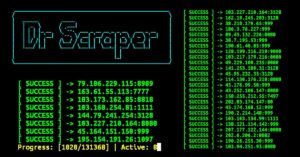
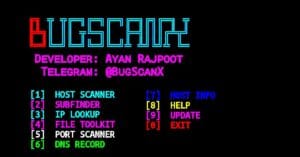
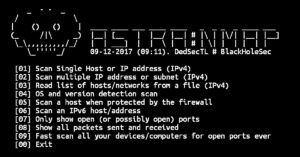
Lazymux is a popular Termux tool installer that helps users install different ethical hacking, cybersecurity, OSINT, and penetration testing tools from a single menu. It provides an easy interface where you can select tools by number and install them automatically without typing long installation commands.
Here’s what you can do with Lazymux in Termux:
- Install ethical hacking tools easily.
- Access hundreds of security tools.
- Install OSINT and reconnaissance tools.
- Download network scanning utilities.
- Explore cybersecurity learning tools.
- Save time with automated installations.
Install Lazymux in Termux
Below are the simple commands to install and use Lazymux in Termux.
Update Termux packages first.
pkg update && pkg upgrade -y
Install Git and Python packages.
pkg install git python -y
Download the Lazymux repository from GitHub.
git clone https://github.com/Gameye98/Lazymux
Open the Lazymux directory.
cd Lazymux
Start Lazymux.
python lazymux.py
The Lazymux menu will open inside the Termux terminal.
Lazymux usage in Termux
After opening Lazymux, different tool categories and options will appear. You can select a tool by entering its number and Lazymux will automatically install it.
Start Lazymux again anytime.
cd Lazymux && python lazymux.py
Install a single tool using its number.
set_install 1
Install multiple tools together.
set_install 1 2 3 4
Install all available tools.
set_install @
These installation options are supported by Lazymux for automated tool setup.