Termux Tools and Commands
A comprehensive collection of essential tools and commands for Termux users. Enhance your terminal experience on Android.



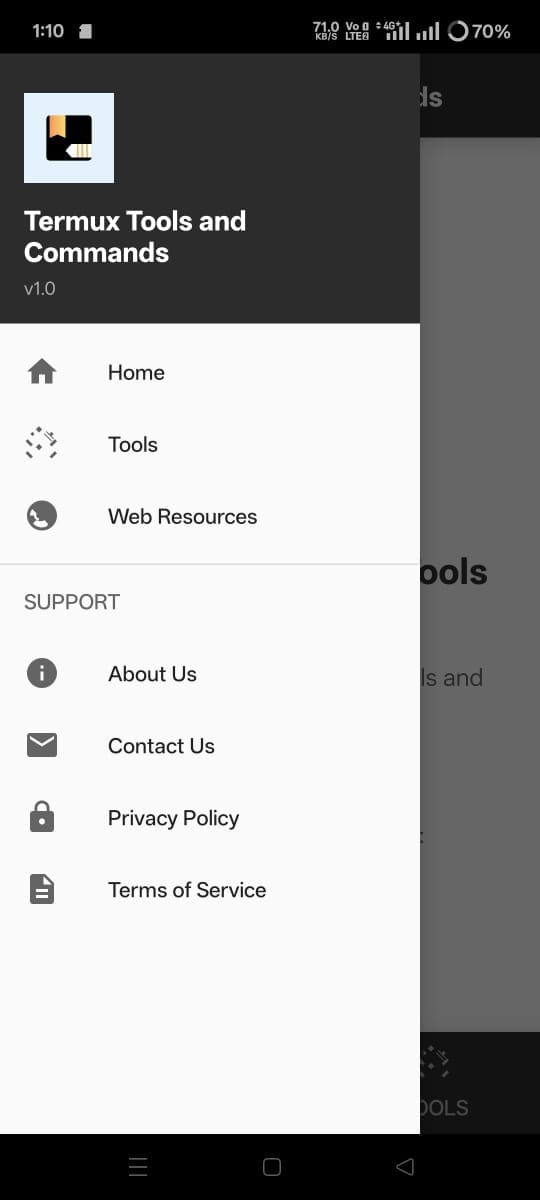
Key Features
- 500+ Termux commands
- Essential tools collection
- Regular updates
- Beginner-friendly guide
- Offline functionality
- Search functionality
- Bookmark favorites
- Dark mode support
Installation Instructions
Installing the latest Termux Tools and Commands app is quick and straightforward. Just follow these simple steps to get started with your enhanced Termux experience.
- Click the Download APK button on this page.
- Wait for the 10-second countdown to finish.
- Open the downloaded file from your notifications or downloads folder.
- Tap Install when prompted.
- Open the app and grant notification permissions (Optional).
Note: You need Android 7.0 or newer, and the app doesn’t require root access. If installation fails, check that you have enough storage space and a stable internet connection.
That’s all! You can now access hundreds of Termux commands right from your Android device. The app works offline and is completely free to use.
Is the app safe?
Yes, the Termux Tools and Commands app is completely safe to use. Here’s why:
- Built by me: I created this app myself.
- Tested by me: I personally test every feature.
- No harmful code: Only helpful commands and tools.
- No data stealing: The app doesn’t collect your personal data.
- No risky permissions: No access to contacts, messages, or files.
- I test every tool and command before posting it on the app.
The app only asks for notification permission (optional) – and that’s only to notify you about updates. You can say no to this permission and the app will still work perfectly.
I take app safety seriously. This app is designed to help, not harm.
Need Support or Want to Report Any Tool?
If you find any error or have any questions, contact me:
I reply fast and fix issues quickly.








